Description
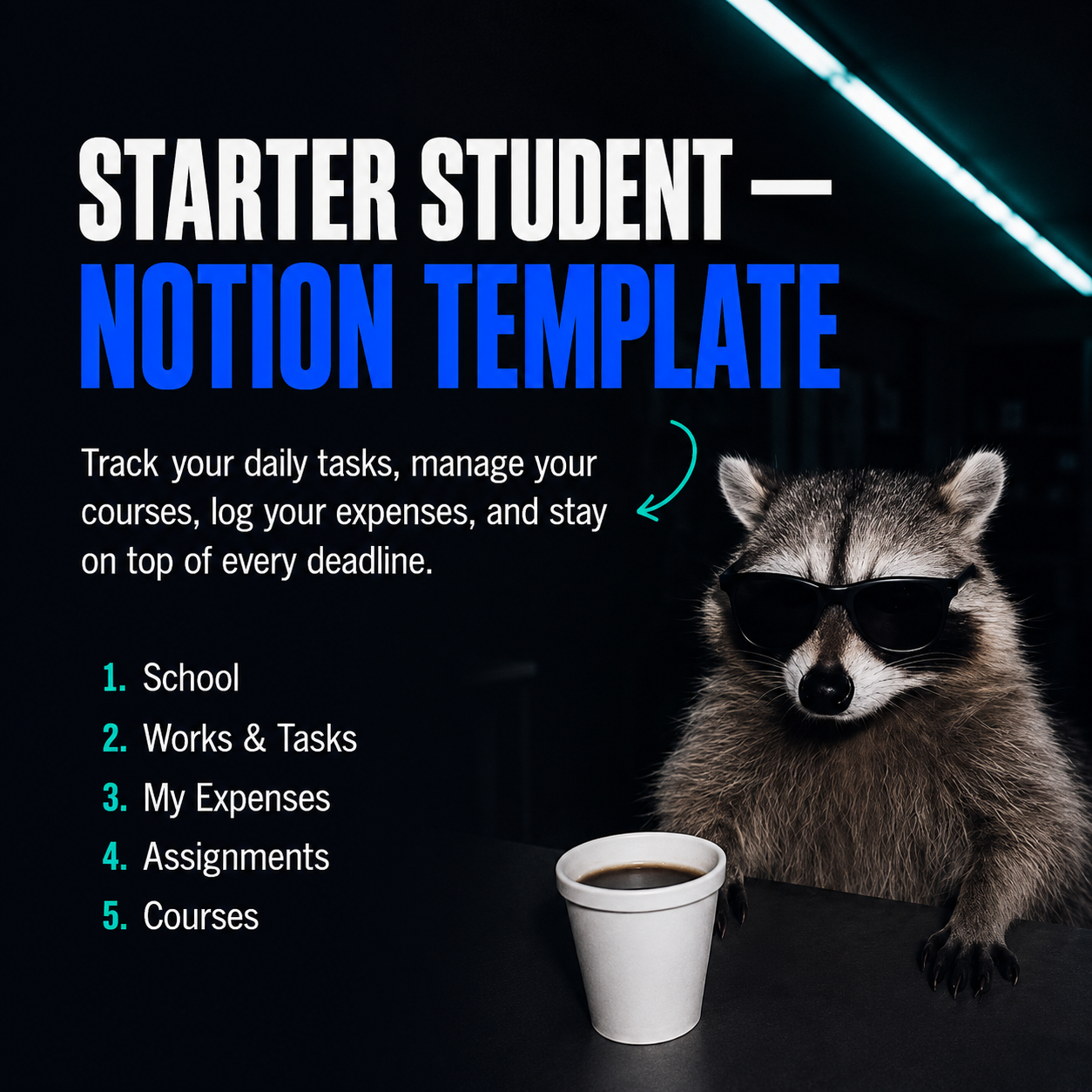
This free Notion student template South Africa dashboard gives you a beginner-friendly workspace to manage your studies. Designed for South African students, it includes an assignment tracker, course planner, daily schedule, and expense tracker in one simple Notion dashboard.
Stay organised from day one. The Starter Student Dashboard is a free Notion template built for students who want a simple, functional home base for their academic life — without the complexity of a full operating system.
Open it, duplicate it, and you’re ready to go.
What’s included:
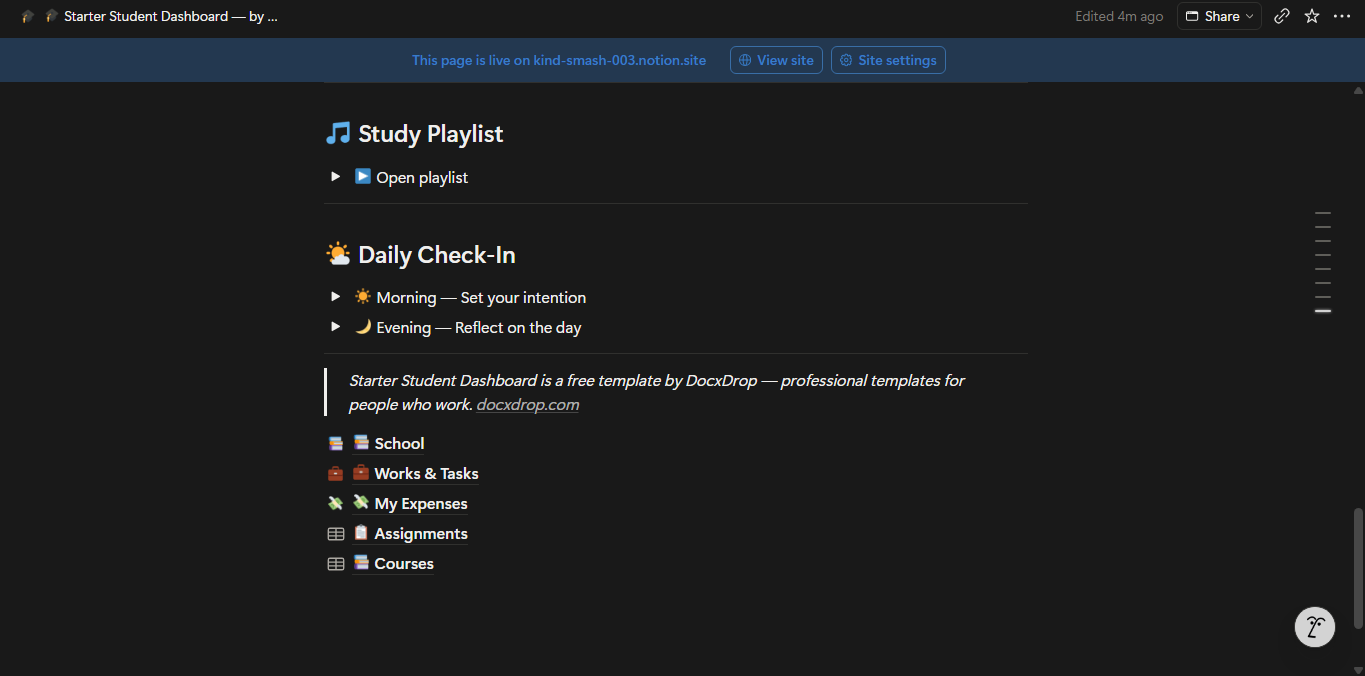
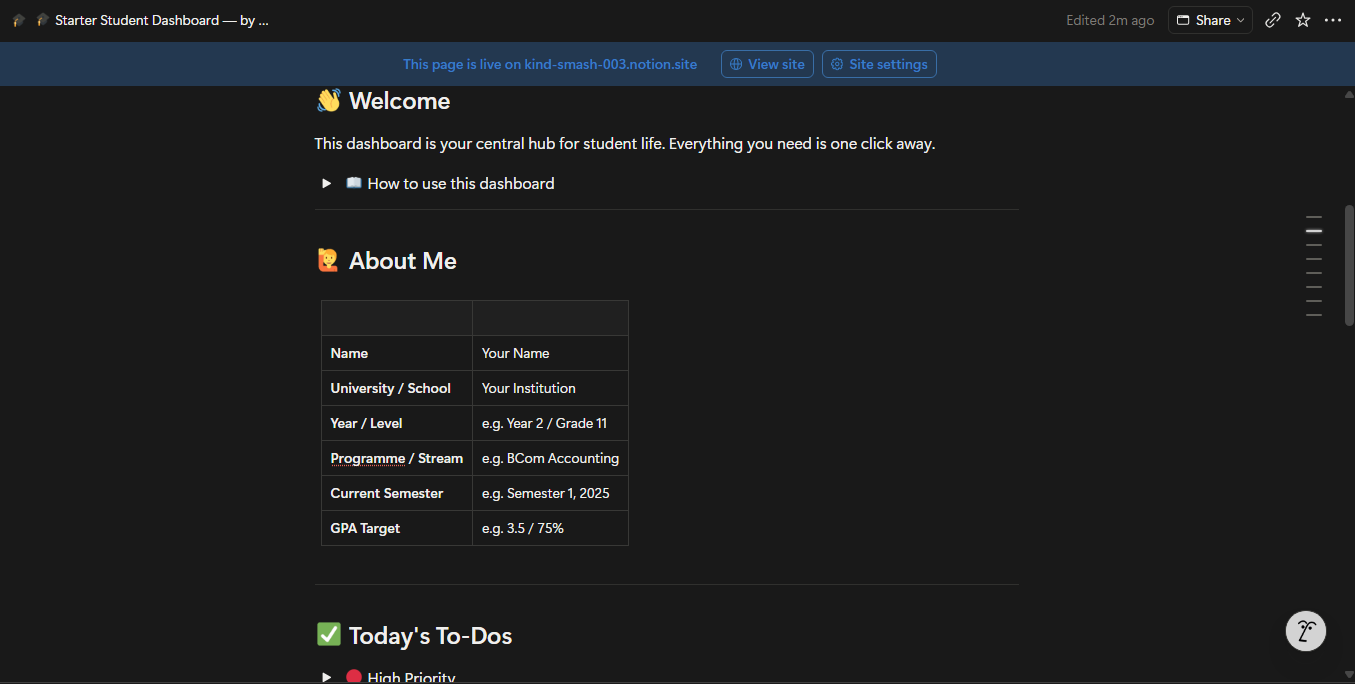
The main dashboard gives you a daily to-do list organised by priority, a due-this-week table and a due-this-month table so no deadline catches you off guard, a daily check-in with morning intention and evening reflection toggles, and a study playlist section where you can embed your favourite YouTube videos directly in Notion.
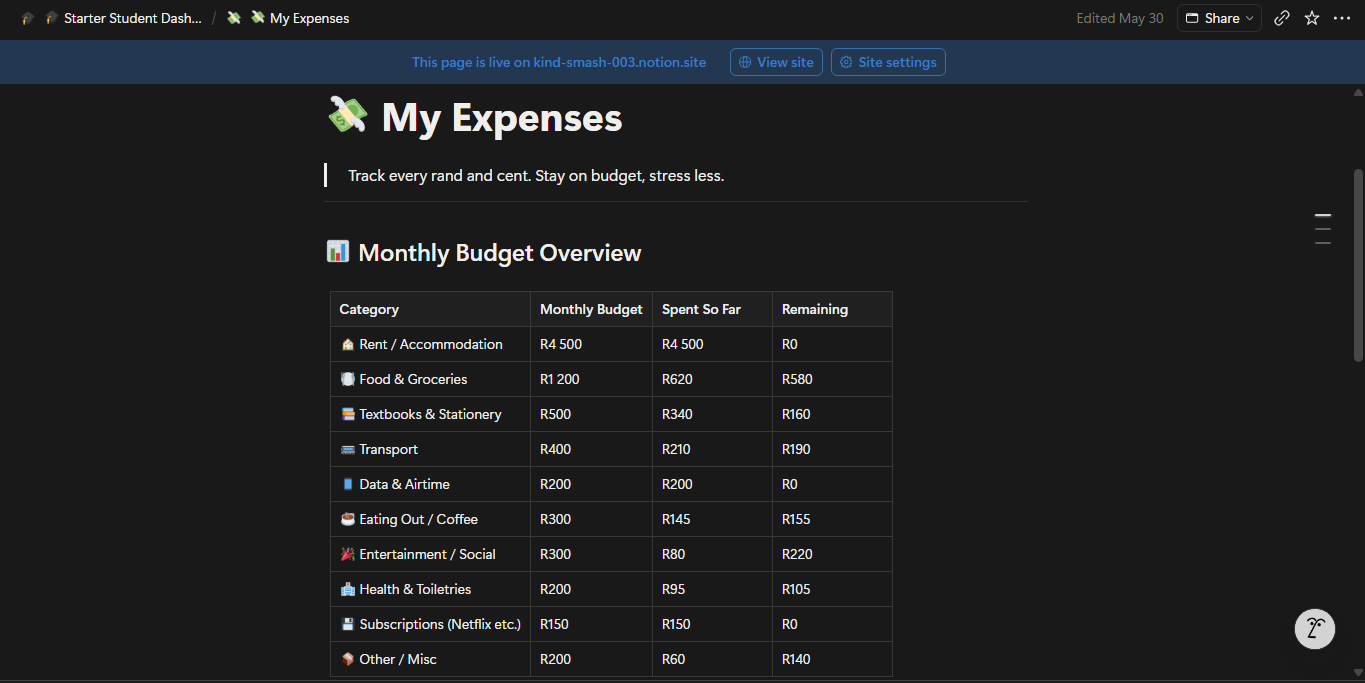
Three linked sub-pages complete the workspace. The School page holds your course list, subject-by-subject lecture notes, an assignments table, and a curated resource link library. The Works & Tasks page handles part-time jobs, side projects, and work-related to-dos. The My Expenses page gives you a monthly budget overview across ten spending categories, a running expense log, and an income tracker — with South African Rand (ZAR) formatting included as the default.
Two databases power the template: an Assignments database with status, priority, type, and due date tracking, and a Courses database with lecturer details, schedule, credits, and grade targets. Both include gallery and calendar views out of the box.
Who it’s for:
High school students, undergraduate students, and anyone starting out with Notion who wants a ready-to-use academic workspace that takes less than five minutes to set up.
How to use it:
Duplicate the template into your Notion account, update the About Me table with your details, add your courses, and start logging. Everything else is already structured and waiting.
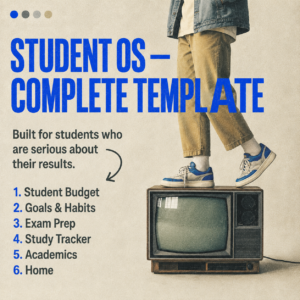
This template is free. If you need more — grade tracking, study session logs, exam revision planners, goal setting, and a full budget module — upgrade to the DocxDrop Student OS.
Why Use This Free Notion Student Template South Africa Dashboard?
Starting with Notion can be overwhelming. This free Notion student template South Africa dashboard removes that complexity by giving you a pre-built workspace ready to use from day one. No setup required, no complex databases to configure, just open, duplicate, and start organising your academic life.
Unlike other free templates, this dashboard is built specifically for South African students. It accounts for South African semester structures, local expense categories in ZAR, and the typical pressures of studying at a South African university or college.
Who Is This Free Notion Student Template For?
This free Notion student template South Africa dashboard is perfect for first-year students who are new to Notion, high school students preparing for matric, and any student who wants a simple, organised digital workspace without spending money on premium templates.
Frequently Asked Questions
Is this Notion student template really free?
Yes. This is a free Notion student template South Africa dashboard. You can download and duplicate it at no cost.
Do I need a paid Notion account?
No. This template works with the free Notion plan. All features are fully available on a free account.