
Description
Know your worth. Charge it with confidence.
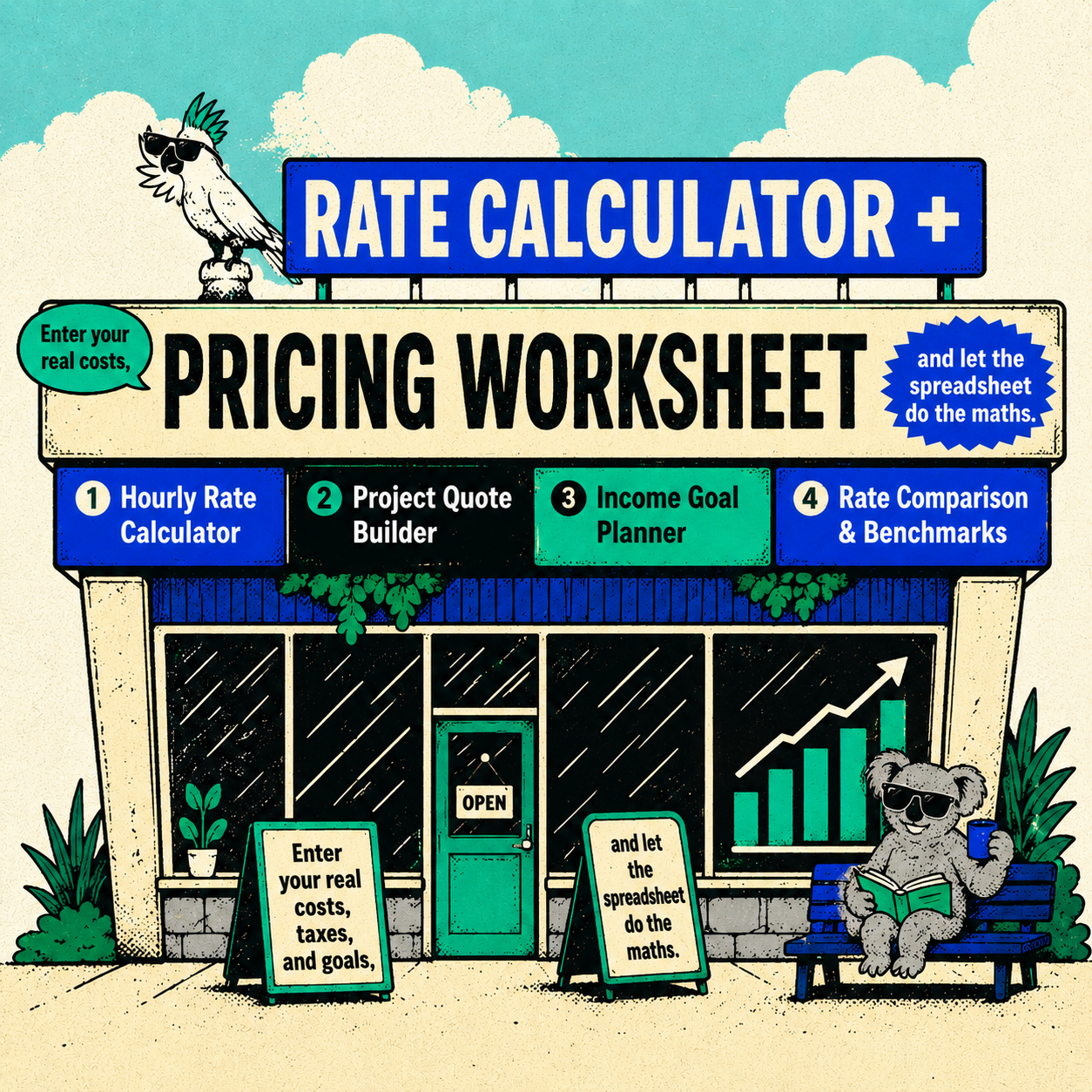
Most freelancers price by guesswork — copying a number a friend mentioned, or quoting whatever feels “not too awkward” to say out loud. The Freelancer Rate Calculator + Pricing Worksheet replaces that guesswork with a system: enter your real costs, taxes, and goals, and let the spreadsheet do the maths.
What’s inside:
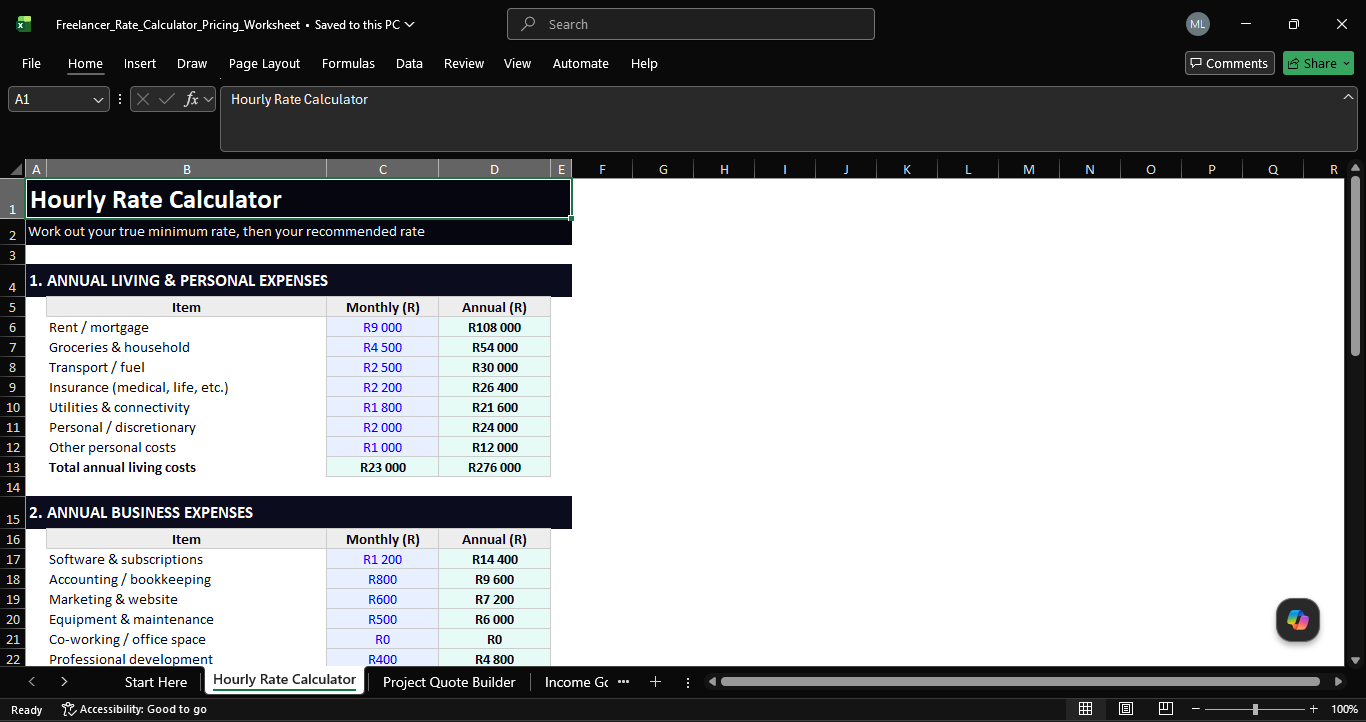
- Hourly Rate Calculator — Map out your living expenses, business costs, tax rate, savings goals and billable hours to get your true minimum rate, a recommended market rate, and a premium specialist rate. Includes day-rate, weekly and monthly revenue equivalents.
- Project Quote Builder — Turn your hourly rate into a fixed-price quote in seconds. Add a complexity buffer, rush fees, direct expenses, and a built-in South African VAT toggle (15%) for VAT-registered freelancers.
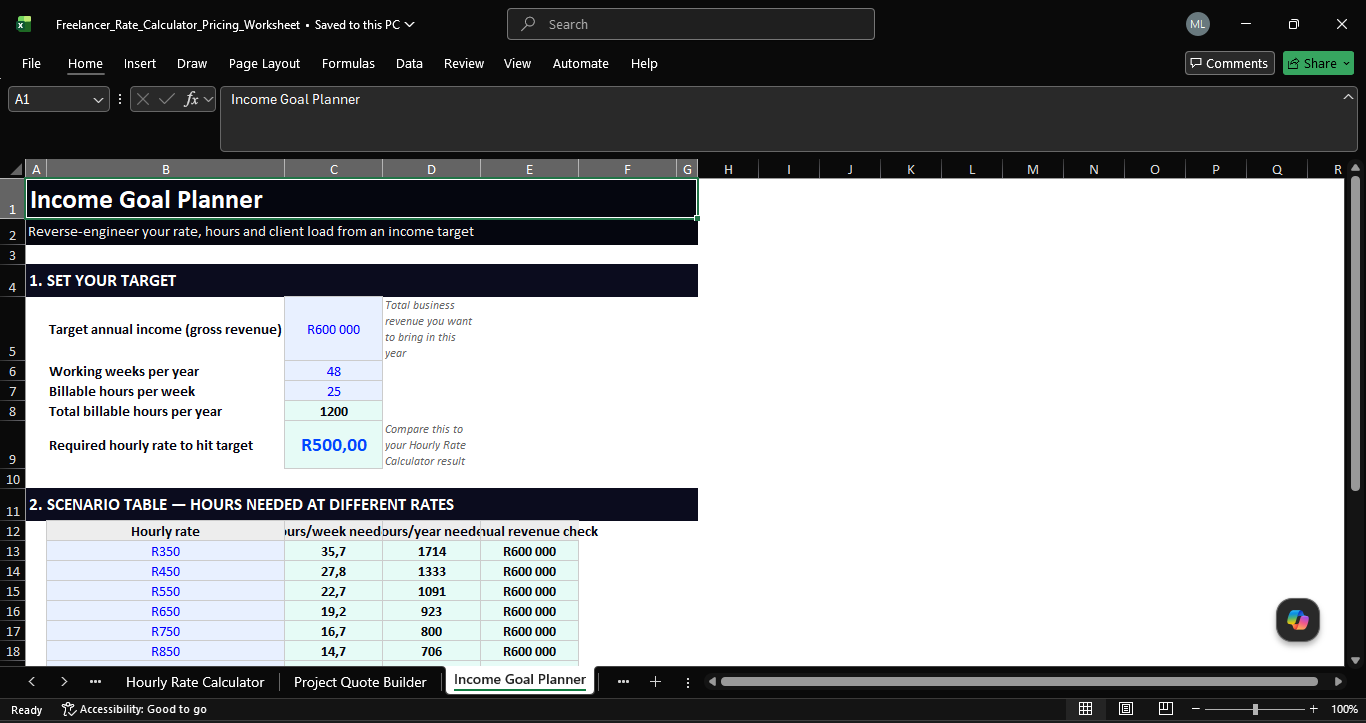
- Income Goal Planner — Set a target annual income and instantly see the hourly rate, weekly hours, or number of clients/projects you’d need to hit it. Includes a rate-vs-hours scenario table for quick “what if” comparisons.
- Rate Comparison & Benchmarks — Compare your rate against South African market benchmarks across 12 disciplines (design, dev, bookkeeping, marketing, VA work and more) at junior/mid/senior level, plus global freelance platform USD ranges — with colour-coded conditional formatting so you can see at a glance if you’re under- or over-pricing.
Built for South African freelancers with SARS-aware tax assumptions, VAT logic, and ZAR pricing throughout — but the formulas work in any currency, so it’s just as useful for freelancers anywhere in the world.
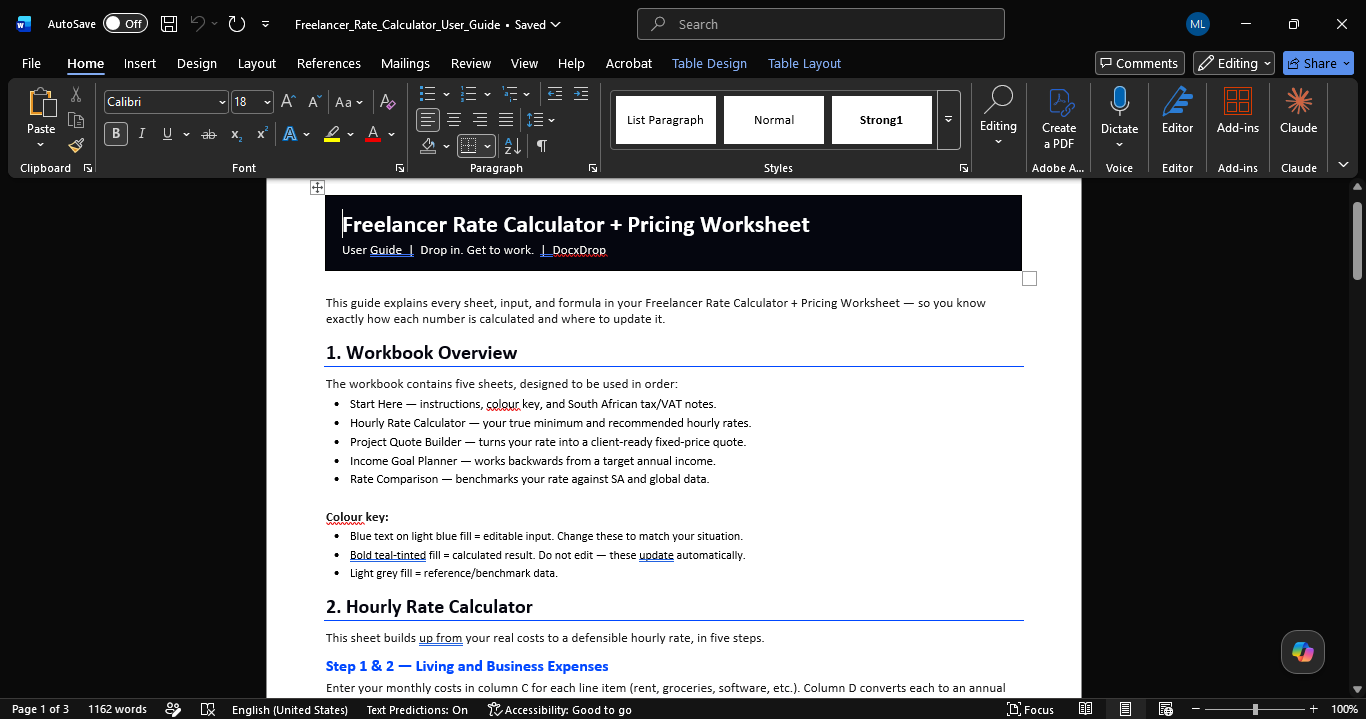
Format: Excel (.xlsx) — fully editable, formula-driven, with a clean colour-coded input/output system and a built-in instructions tab.
Drop in. Get to work.

&url=https://docxdrop.com/product/freelancer-rate-calculator-pricing-worksheet-excel&media=https://docxdrop.com/wp-content/uploads/2026/06/ChatGPT-Image-Jun-14-2026-12_11_18-AM-1024x1024.png)


&url=https://docxdrop.com/product/business-proposal-template-editable-word-document&media=https://docxdrop.com/wp-content/uploads/2026/06/ChatGPT-Image-Jun-13-2026-11_43_44-PM-1024x1024.png)