Description
Most professionals don’t have a system. They have a patchwork — tasks in one app, notes somewhere else, clients in a spreadsheet they’re embarrassed by, finances tracked loosely and reviewed too late. Command Grid OS is built to replace all of it.
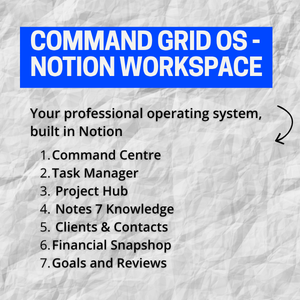
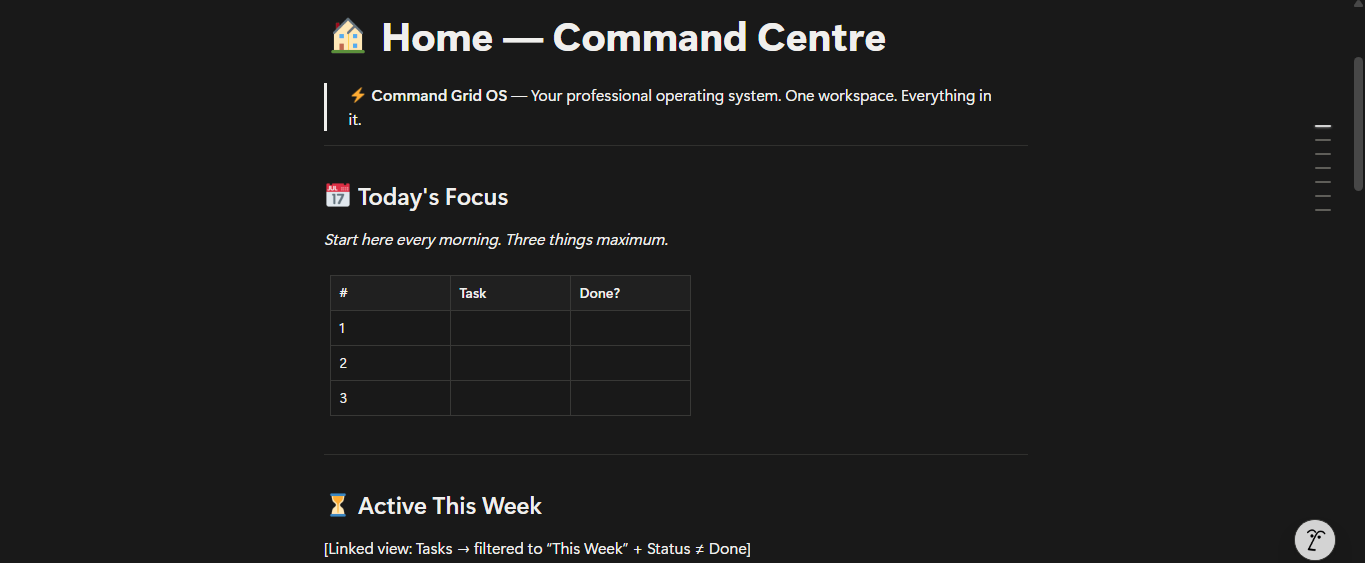
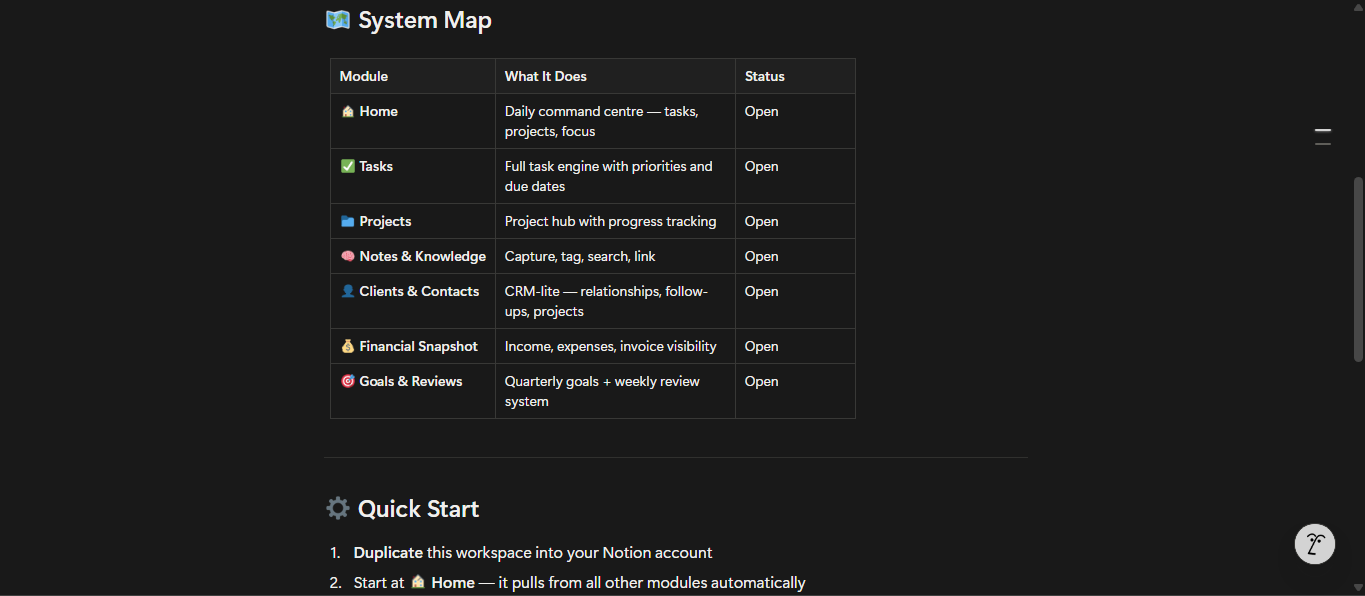
This is DocxDrop’s flagship Notion workspace. Seven fully built modules, each with its own database, views, and structure — connected by a single Home dashboard you open every morning and close every evening.
What’s inside:
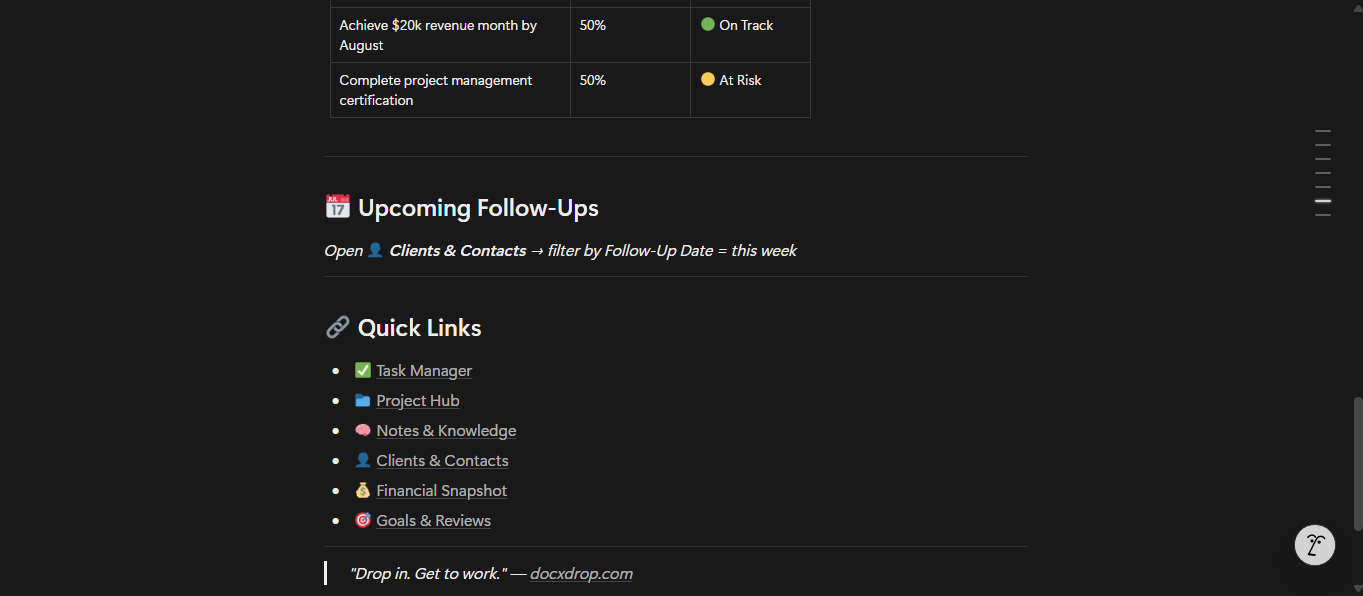
Home — Command Centre. Your daily starting point. Today’s three priorities. Active projects at a glance. Financial pulse. Quick links to every module. Nothing decorative — only what you actually need to start the day.
Task Manager. Full task database with status, priority, effort, type, context tags, and a week bucket system (This Week / Next Week / Someday). Includes a Board view grouped by status and a Calendar view for deadline visibility.
Project Hub. A project database with health tracking (On Track / At Risk / Off Track), progress stages, category, deadline, and a Next Action field per project. Includes a Timeline view.
Notes & Knowledge. A capture database for meeting notes, research, SOPs, ideas, and reference material. Tag by topic, filter by status, mark your best notes as Evergreen so they don’t get buried.
Clients & Contacts. A CRM layer built for working professionals — not a sales tool, a relationship tool. Tracks client type, relationship strength, last contact, follow-up dates, and source. Absent from every major competitor. It’s in here.
Financial Snapshot. Income and expense tracking with categories, invoice references, month and quarter fields, and payment status. Not an accounting replacement — a visibility layer that tells you exactly where you stand at any moment.
Goals & Reviews. Quarterly goal-setting with a Why This Matters and Success Looks Like field per goal. Includes a pre-built Weekly Review template and a Quarterly Review template — both structured, both ready to run from day one.
Also included: System Guide — a plain-English walkthrough of how to use every module, the weekly and quarterly rhythm, and the five rules of the grid.
Format: Notion workspace (duplicate link delivered on purchase)
Level: Works for Notion beginners and experienced users alike
Setup time: Under 10 minutes