
Description
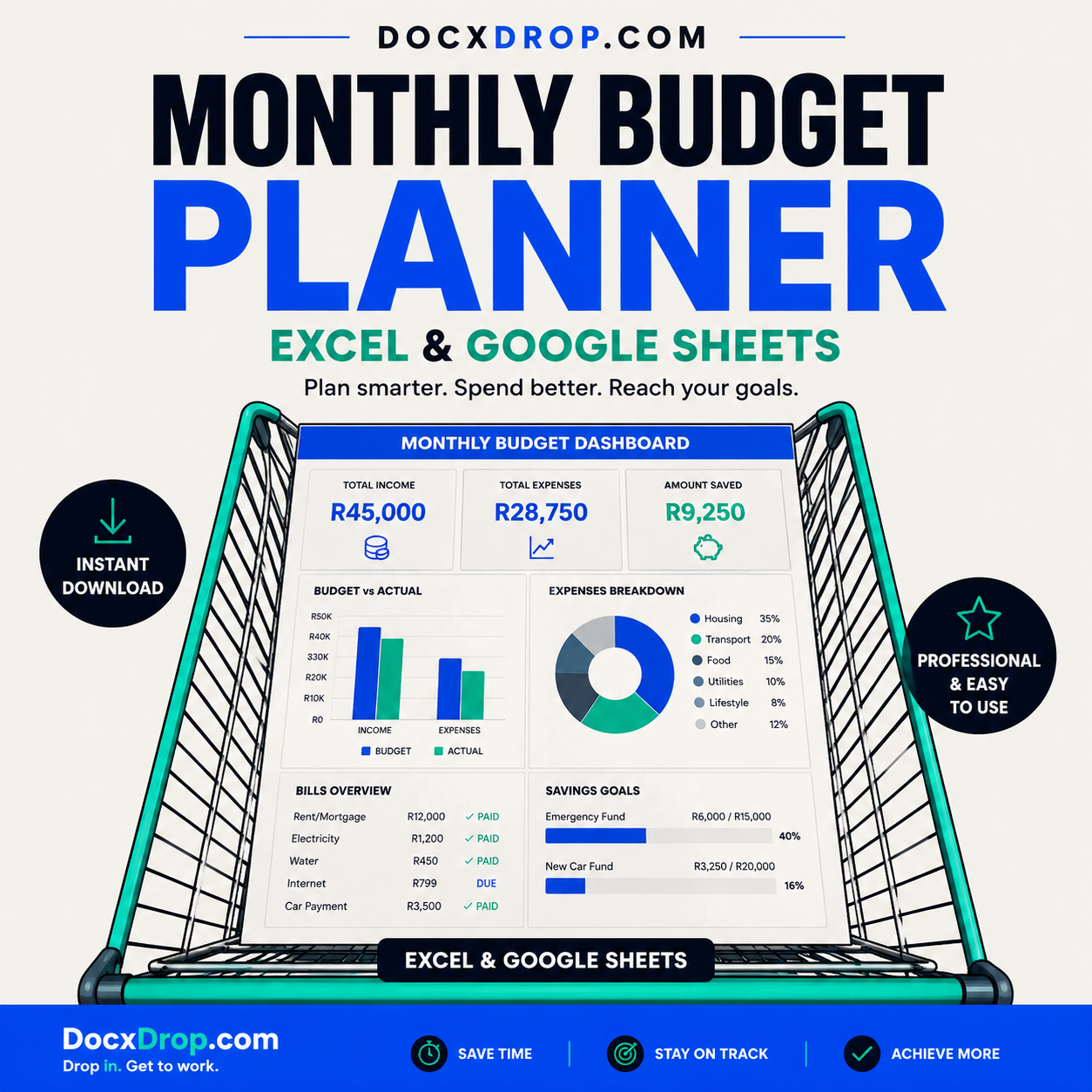
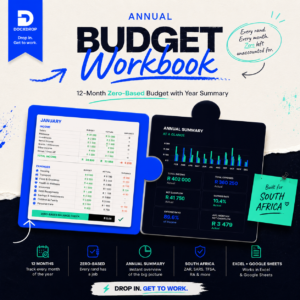
This monthly budget planner Excel Google Sheets South Africa template gives you a complete budgeting system for every month. Track income, expenses, debts, savings, and bills in ZAR with an automated dashboard that updates as you enter data.
Most people know they should budget. The problem isn’t motivation — it’s the blank spreadsheet staring back at them. This planner removes that friction entirely.
The Monthly Budget Planner is a fully built, formula-complete financial management workbook. Every section is pre-structured, every calculation is automated, and every sheet connects to a live dashboard that updates the moment you enter a number.
What’s included:
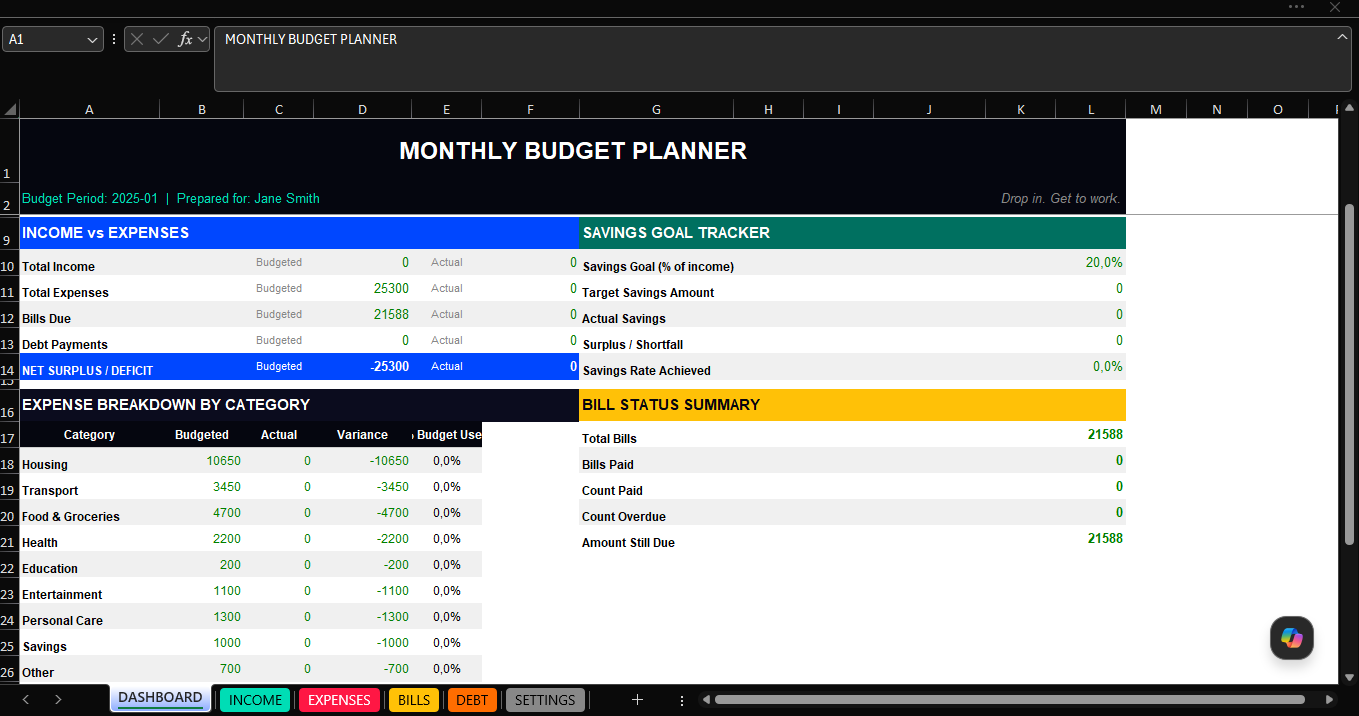
Dashboard — A single-screen financial overview showing total income, total expenses, net cash flow, total bills, outstanding debt, and your savings rate — all calculated automatically. No manual updates needed.
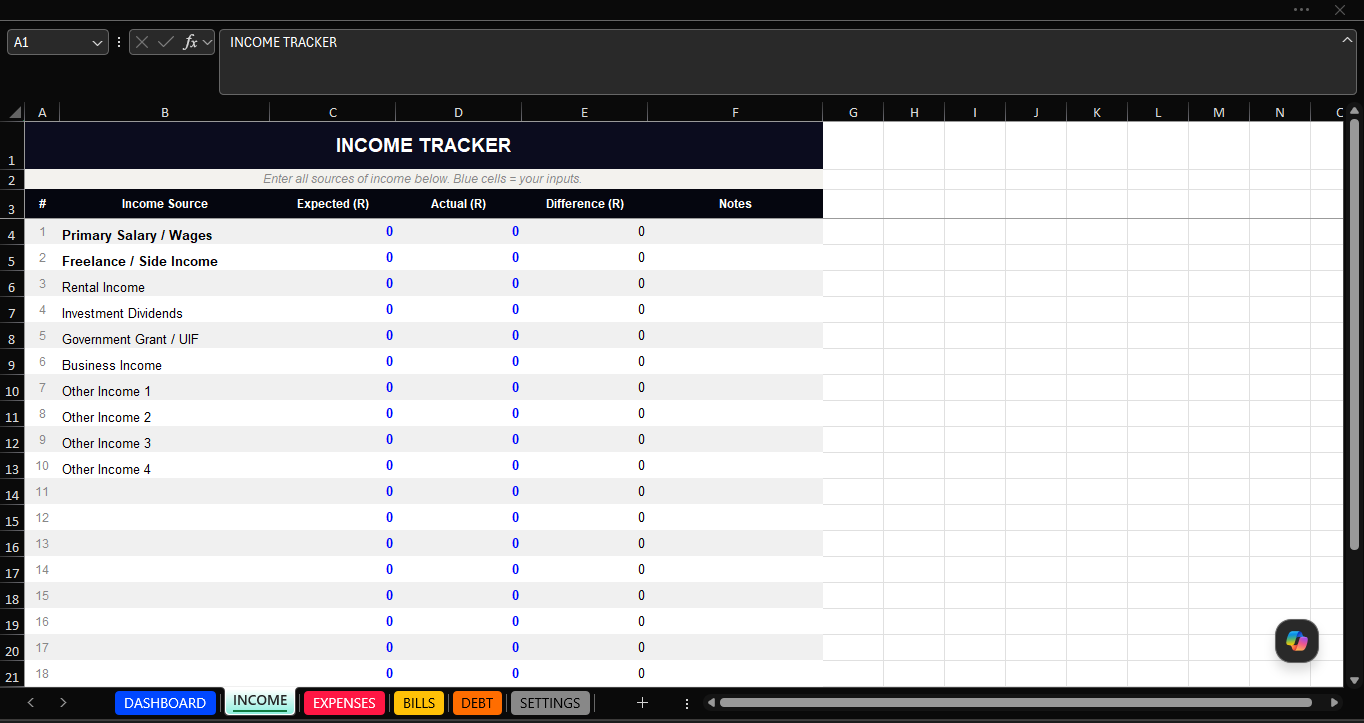
Income Tracker — Log up to 20 income sources (salary, freelance, rental income, dividends, and more) with expected vs actual columns so you can see exactly where you land each month.
Expense Tracker — 32 pre-categorised expense lines across 9 categories: Housing, Transport, Food & Groceries, Health, Education, Entertainment, Personal Care, Savings, and Other. Budgeted vs actual vs variance, with a category summary that feeds directly into the dashboard.
Bill Tracker — Track every recurring bill with due date, status (Upcoming / Paid / Overdue / Skipped), and paid date. Live counters show how many bills are paid, how many are overdue, and how much is still outstanding this month.
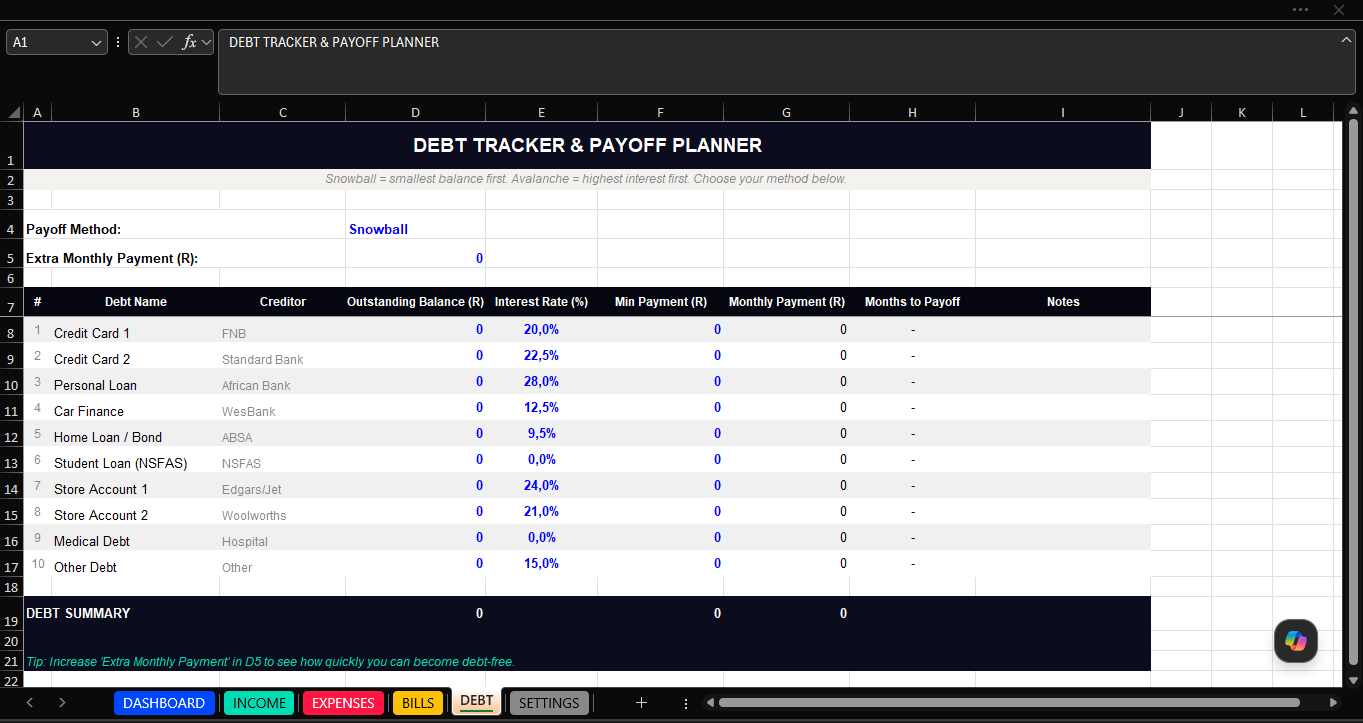
Debt Tracker & Payoff Planner — Enter up to 10 debts (credit cards, personal loan, car finance, home loan, store accounts) with outstanding balance, interest rate, and minimum payment. A built-in months-to-payoff formula calculates your payoff timeline automatically. Includes a Snowball vs Avalanche method selector and an extra payment input to model accelerated payoff.
Settings Sheet — Set your name, budget month, currency, savings goal percentage, and emergency fund target once. The entire workbook references these settings automatically.
Works in both Excel and Google Sheets — No proprietary functions. Open it on any device, share it with a partner, or make a copy in Google Drive.
Blue cells = your inputs. Black = formulas. Nothing to break.
Who this is for: Employed professionals managing a monthly salary. Freelancers tracking variable income. Anyone carrying debt who wants a clear payoff plan. Households looking to close the gap between what they earn and what they spend.
File format: .xlsx (Excel) — Google Sheets compatible via Google Drive import.
Why Use This Monthly Budget Planner Excel Google Sheets South Africa Template?
Most South Africans struggle to budget consistently because the tools they use are either too complicated or too generic. This monthly budget planner Excel Google Sheets South Africa edition is designed around real South African financial life, including SARS provisional tax, medical aid, retirement annuity contributions, and ZAR-based expense categories.
The planner combines a monthly tracking system with a dashboard that automatically shows your income versus expenses, savings rate, and debt payoff progress. It is the most comprehensive and locally relevant monthly budget planner available as a digital download for South Africans.
Who Should Use This Monthly Budget Planner?
This monthly budget planner Excel Google Sheets South Africa template is for anyone who wants to take control of their finances. Whether you are a first-time budgeter, a family managing household expenses, a professional tracking investment contributions, or someone working through debt repayment, this planner provides everything you need.
Frequently Asked Questions
Does this monthly budget planner work in Google Sheets?
Yes. Upload the Excel file to Google Drive and open it with Google Sheets. All formulas and automation work perfectly without modification.
Is this monthly budget planner suitable for South Africa?
Yes. The monthly budget planner is built with South African expense categories, ZAR formatting, and SARS tax fields. It is the most locally relevant monthly budget planner available.



&url=https://docxdrop.com/product/business-proposal-template-editable-word-document&media=https://docxdrop.com/wp-content/uploads/2026/06/ChatGPT-Image-Jun-13-2026-11_43_44-PM-1024x1024.png)


