Description
Most budgets fail because they’re built around the month — not the paycheck. This tracker is designed around your actual pay cycle.
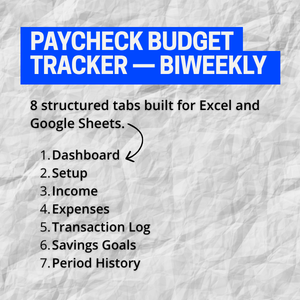
The Paycheck Budget Tracker is an 8-tab Excel workbook (fully Google Sheets compatible) that gives you a clear picture of every biweekly period: what came in, what went out, what’s left, and whether you’re on track toward your savings goals.
What’s included:
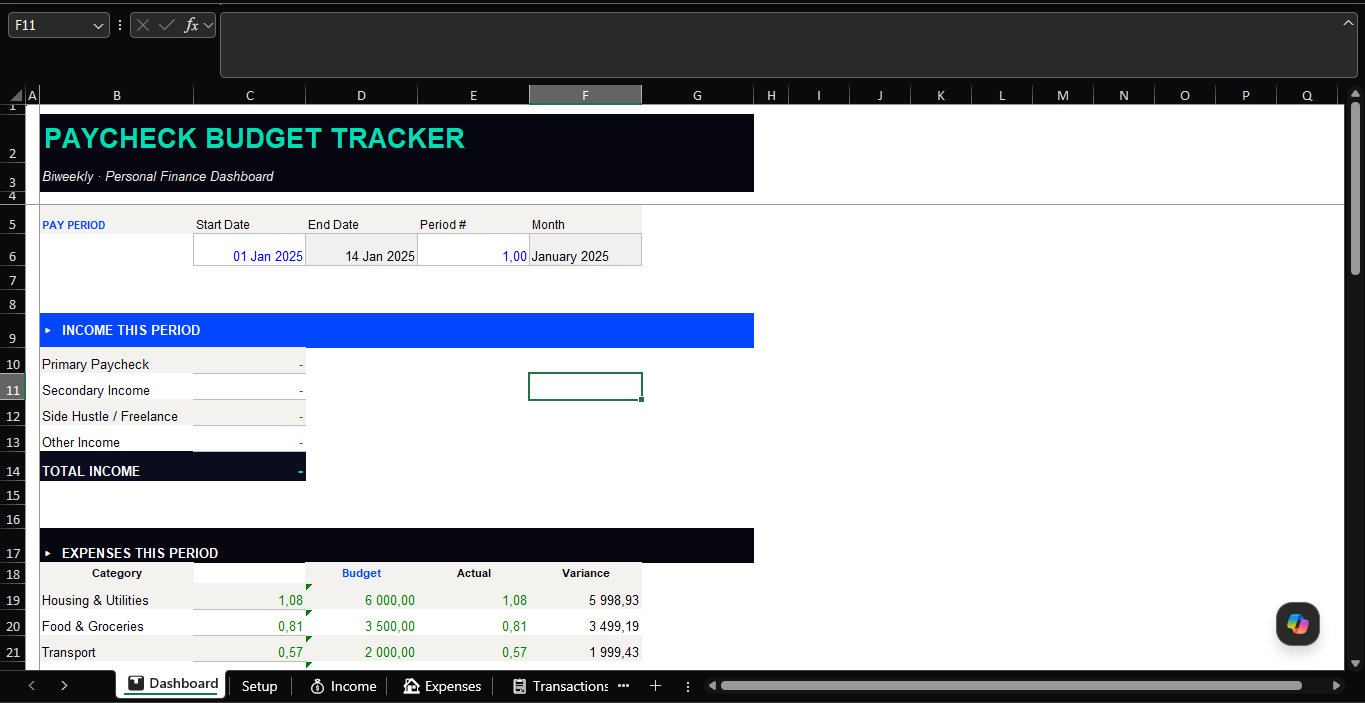
📊 Dashboard — Your command centre. Pulls live totals from every tab. Shows net balance, savings rate %, budget adherence %, and a dynamic status message that tells you exactly where you stand.
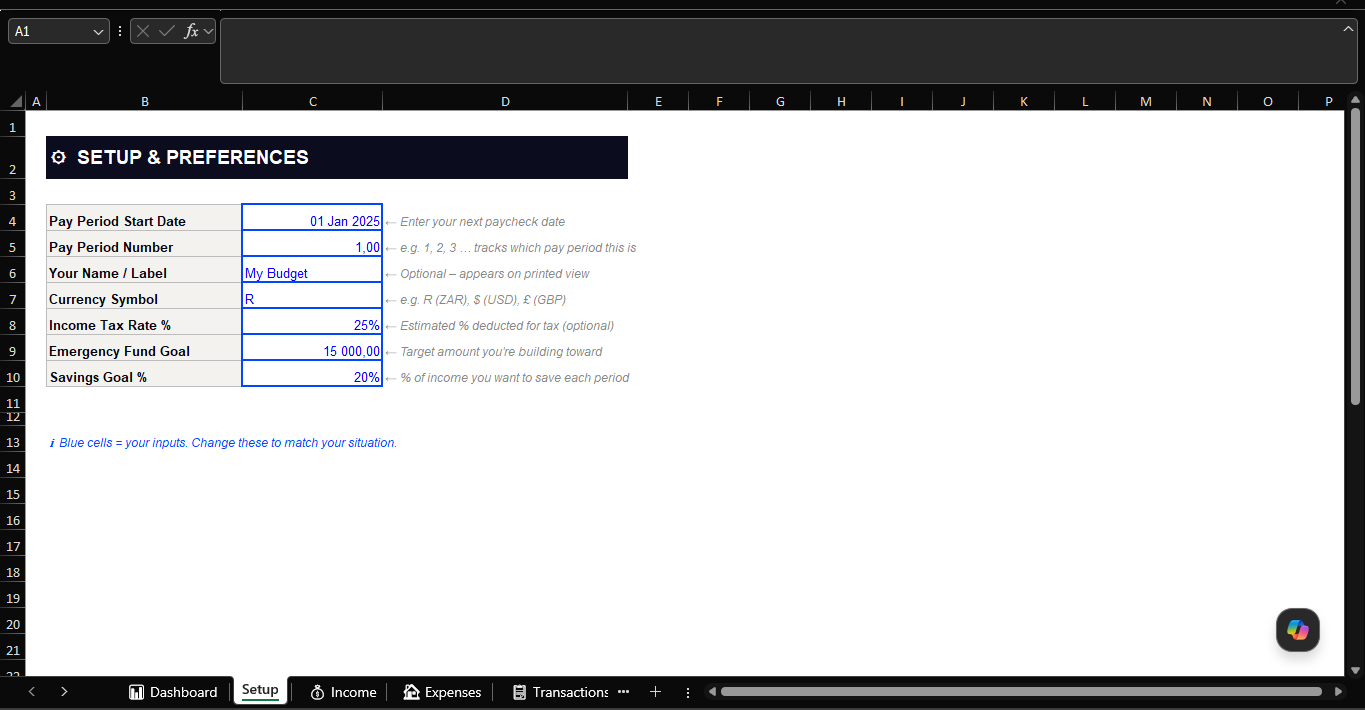
⚙ Setup — Enter your pay period start date, period number, currency, tax rate, emergency fund target, and savings goal % once. Everything else updates automatically.
💰 Income — Log up to 8 income streams per period (paycheck, side hustle, freelance, rental, investment, and more). Tracks expected vs actual with a post-tax estimate built in.
🏠 Expenses — 10 budget categories with editable per-period targets. See your budget, actual spend, variance, and % used — all pulled live from your transaction log via SUMIF formulas.
📋 Transaction Log — The daily log. Record every expense with date, category, description, amount, and payment method. 50 rows pre-formatted. Expenses update automatically across the workbook.
🎯 Savings Goals — Track up to 6 financial goals simultaneously. Progress percentages and emoji status indicators (✅ Complete / 🟡 Almost there / 🔵 Halfway / 🔴 Just starting) update automatically.
📈 Period History — Archive your totals period by period to build a financial track record over time. Pre-seeded with example data so you can see how it works from the moment you open it.
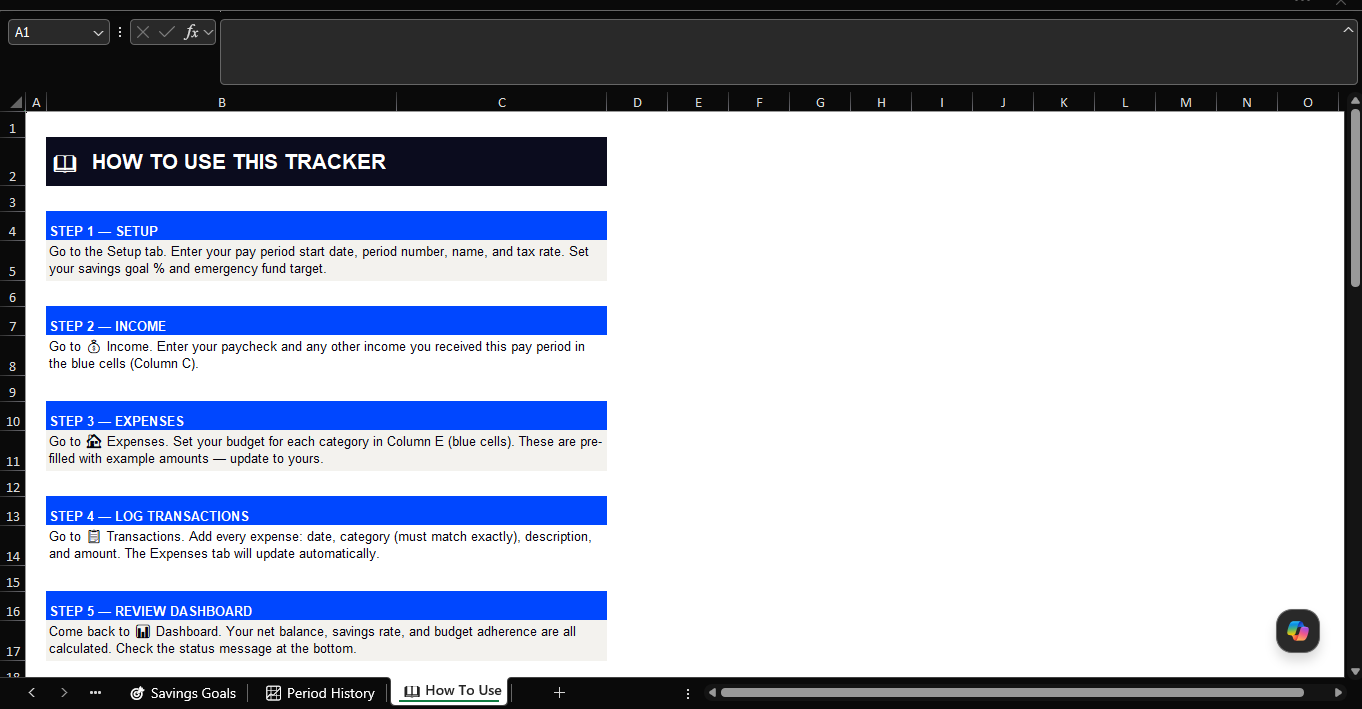
📖 How To Use — A step-by-step guide built into the workbook. No manual needed.
Built for real use:
- 145 live formulas — no manual calculations
- Pre-filled with realistic example data so the structure is immediately clear
- Blue cells = your inputs. Black cells = formulas. Nothing to guess
- Works in Excel (Windows & Mac) and Google Sheets
- Industry-standard colour coding throughout
Who it’s for: Salaried employees, freelancers, and anyone living on a biweekly pay cycle who wants to stop guessing and start knowing exactly where their money goes.