
Description
Stop managing recruitment in a mess of emails and scattered notes.
This Recruitment Tracker gives you a clean, structured system for managing the full hiring cycle — from the moment a vacancy lands on your desk to the day a candidate starts. Built for recruitment agencies, HR managers, and in-house talent teams who need one place to track everything without paying for another software subscription.
What’s inside
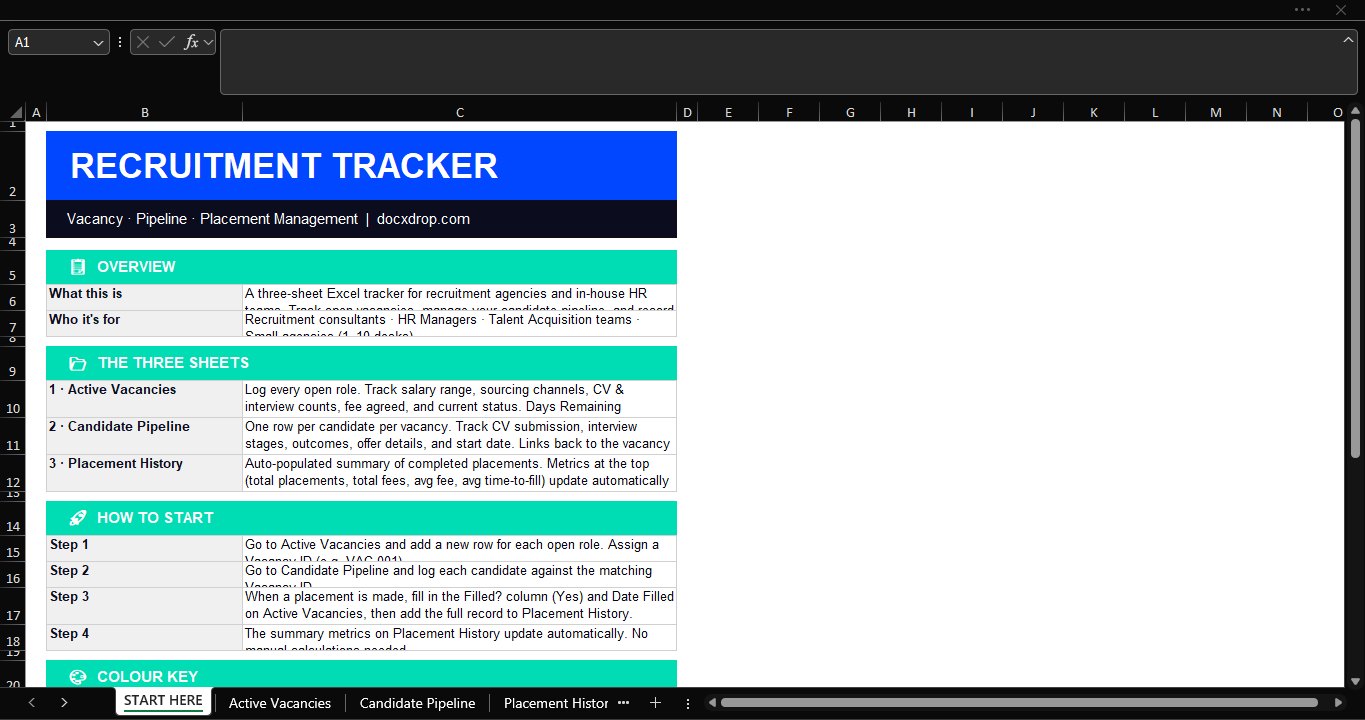
The workbook has three connected sheets and a built-in instructions tab:
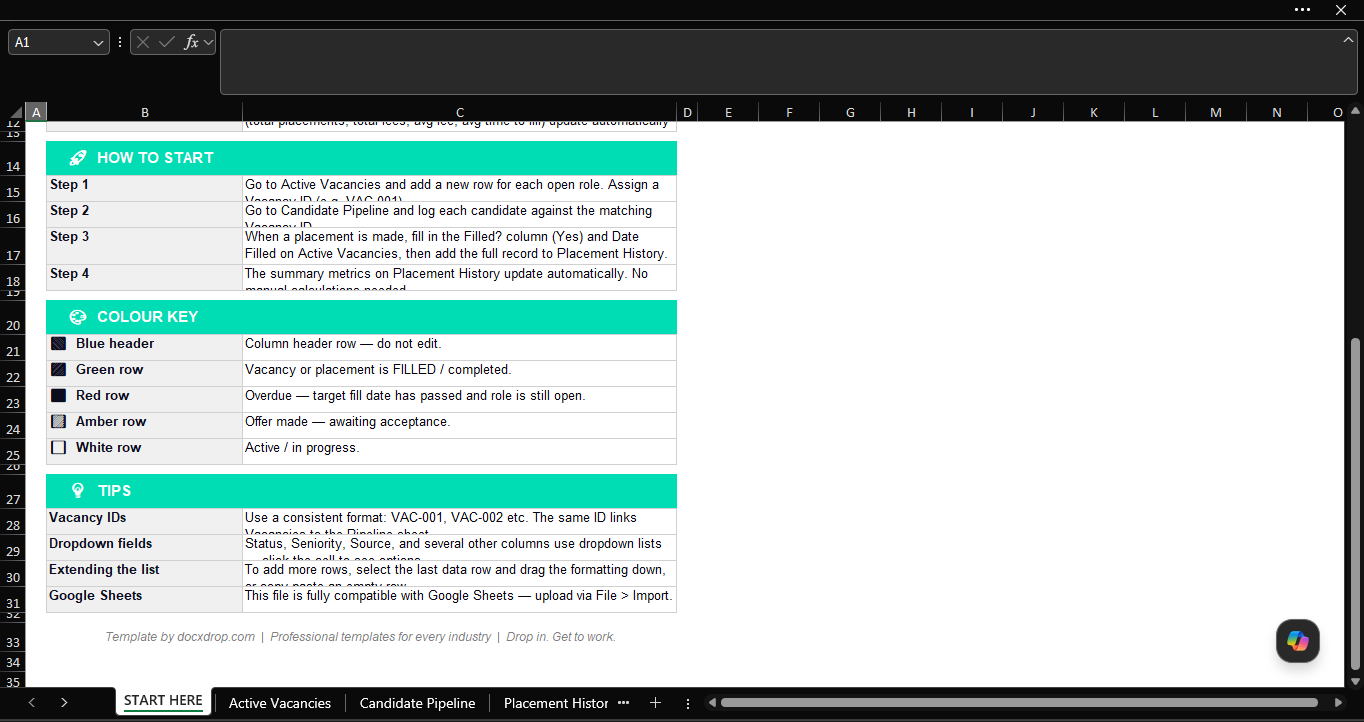
Active Vacancies — Log every open role with salary range, sourcing channels, target fill date, and current status. Days Remaining calculates automatically. Colour-coded rows flag overdue roles in red, active offers in amber, and filled vacancies in green — so your dashboard tells the story at a glance.
Candidate Pipeline — One row per candidate per vacancy. Track CV submission, client feedback, interview stages one and two, offer details, and confirmed start date. Dropdown menus for source channel, offer status, and outcome keep data clean and consistent.
Placement History — A running record of every completed placement with fee, invoice number, and time-to-fill. The KPI summary at the top auto-calculates total placements, total fees earned, average fee per placement, and average days to fill — updating in real time as you log new entries.
Who it’s for
- Recruitment consultants managing multiple client vacancies
- HR managers running in-house hiring across multiple departments
- Small agencies (1–10 desks) that don’t need a full ATS
- Talent acquisition teams tracking sourcing performance
What you get
- Excel file (.xlsx) — compatible with Microsoft Excel and Google Sheets
- 4-tab workbook: Instructions, Active Vacancies, Candidate Pipeline, Placement History
- Dropdown validation on all key fields (Status, Seniority, Source, Filled, Fee Invoiced)
- Conditional formatting — automatic colour coding by vacancy status
- Live KPI dashboard with total placements, fees, and avg time-to-fill
- Fully unlocked — customise columns, add rows, rename fields
No formulas to set up. No macros. No subscriptions. Download, open, and start logging.