Description
Your content deserves a system. Not another tab with scattered notes.
Most creators are juggling ideas across voice memos, Notes apps, random Google Docs, and that one spreadsheet they made six months ago. There’s no clear pipeline. Content gets delayed. Good ideas get forgotten. Sponsor deadlines sneak up.
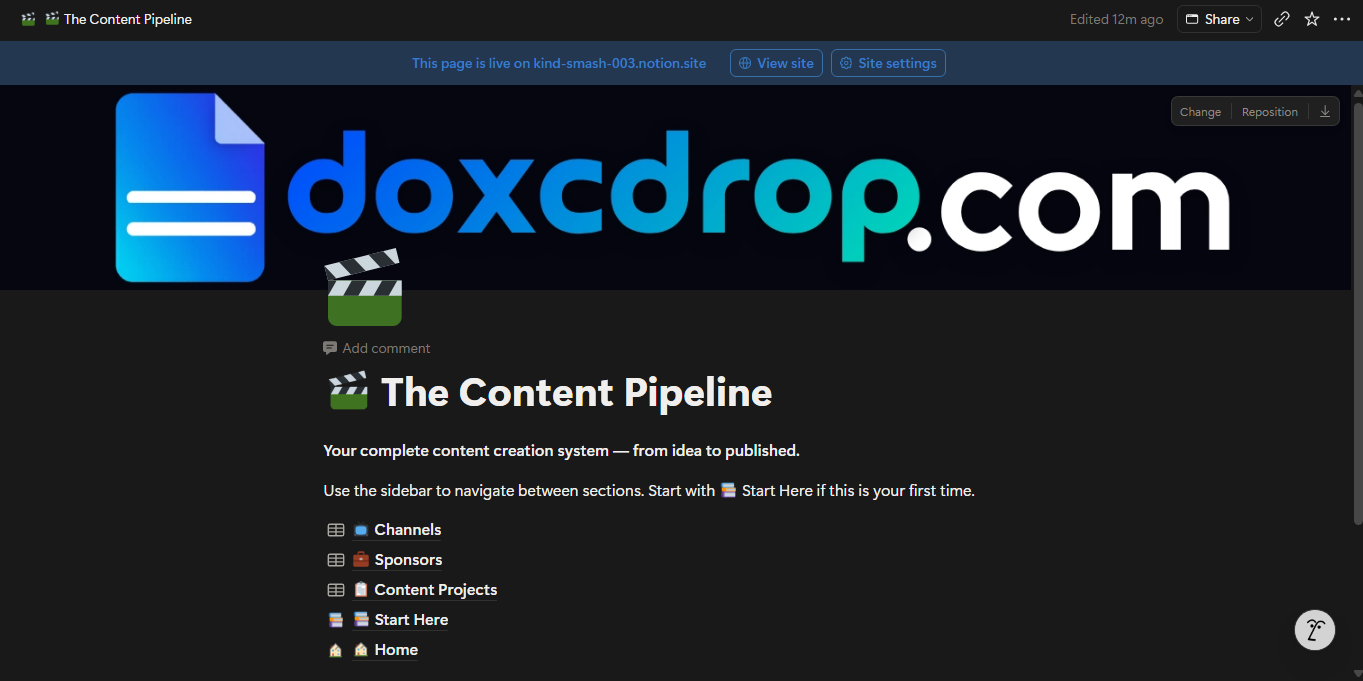
The Content Pipeline fixes that in one place.
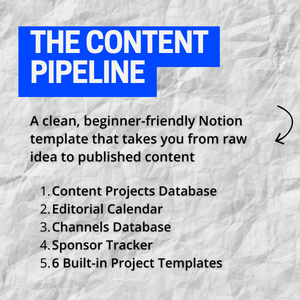
It’s a Notion template built specifically for content creators who are serious about showing up consistently — without the chaos. Whether you’re a YouTuber, podcaster, blogger, or newsletter writer, this template gives you a single home for every piece of content you’ll ever make.
What’s inside:
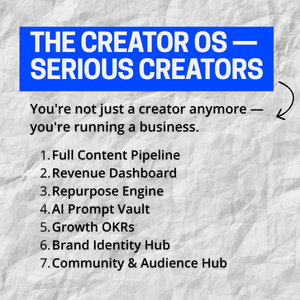
📋 Content Projects Database — One entry per piece of content, with a 6-stage Kanban pipeline: Idea → Scripting → In Production → Editing → Scheduled → Published. Always know where everything stands.
📅 Editorial Calendar — See all your upcoming content on a real calendar. Never scramble to figure out what’s publishing this week again.
📺 Channels Database — One entry per platform. Track your subscriber counts, posting frequency, and channel health across YouTube, newsletters, podcasts, Instagram, and more.
💼 Sponsor Tracker — Manage brand deals from first outreach to final payment. Track deal value, deadlines, deliverables, talking points, and payment status in one clean board.
🎬 6 Built-in Project Templates — Open a new project and your page structure is already waiting for you. Templates for YouTube videos, blog posts, podcast episodes, newsletters, short-form content, and a blank canvas for anything else.
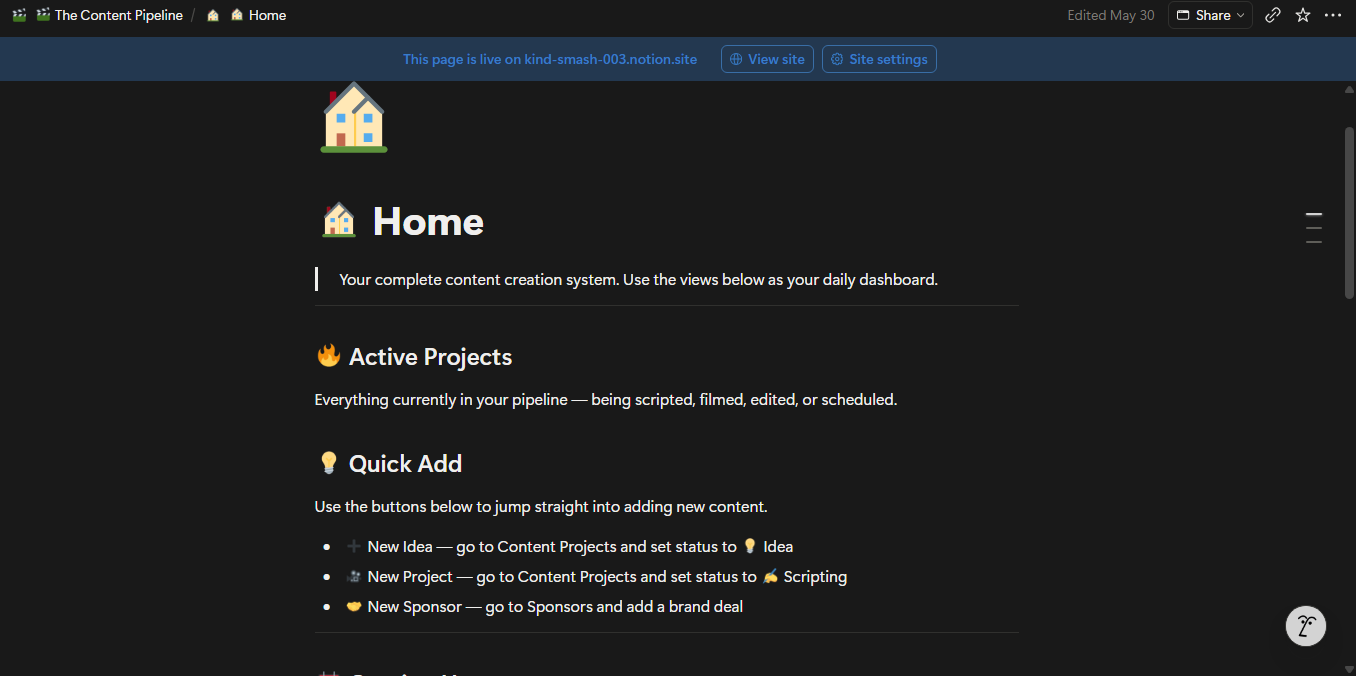
🏠 Home Dashboard — Your command centre. See active projects, upcoming publish dates, and open sponsor deals the moment you open the template.
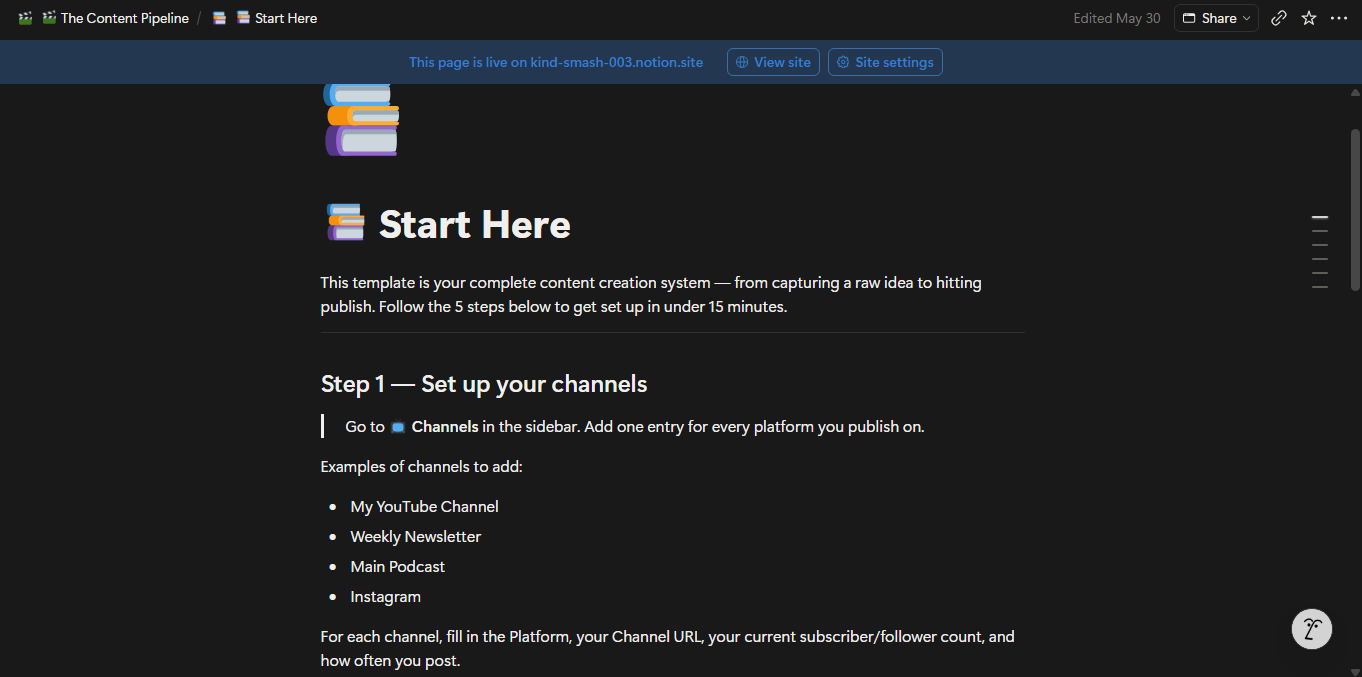
📚 Start Here Onboarding Guide — A step-by-step setup guide that gets you fully configured in under 15 minutes, even if you’re new to Notion.
Who this is for:
✅ YouTubers publishing 1–4 videos per month
✅ Newsletter writers on a weekly or bi-weekly schedule
✅ Podcasters managing guests, episodes, and show notes
✅ Bloggers juggling SEO, drafts, and publishing deadlines
✅ Multi-platform creators tired of running separate systems
✅ Anyone who has tried to “get organised” before but abandoned it because the setup was too complex
What you get:
— Instant access to the Notion template via a shareable link
— 3 fully configured databases (Content Projects, Channels, Sponsors)
— 12 views across all databases (Kanban boards, calendar, filtered lists, archive)
— 6 built-in content project templates
— Home dashboard with embedded live views
— Full onboarding guide with a weekly review routine
— Works on Notion Free plan — no paid Notion subscription required
Frequently asked questions:
Do I need a paid Notion account? No. This template works on the Notion Free plan.
Can I customise it? Absolutely. Every property, view, and page is fully editable. It’s your Notion workspace — make it yours.
Is this a one-time purchase? Yes. Pay once, own it forever. All future updates to this template are included at no extra cost.
What if I’m new to Notion? The Start Here guide walks you through setup in 5 simple steps. No prior Notion experience needed.
Ready to stop improvising and start publishing with a system?
Add to cart and get instant access.