Description
Stay organised from day one. The Starter Student Dashboard is a free Notion template built for students who want a simple, functional home base for their academic life — without the complexity of a full operating system.
Open it, duplicate it, and you’re ready to go.
What’s included:
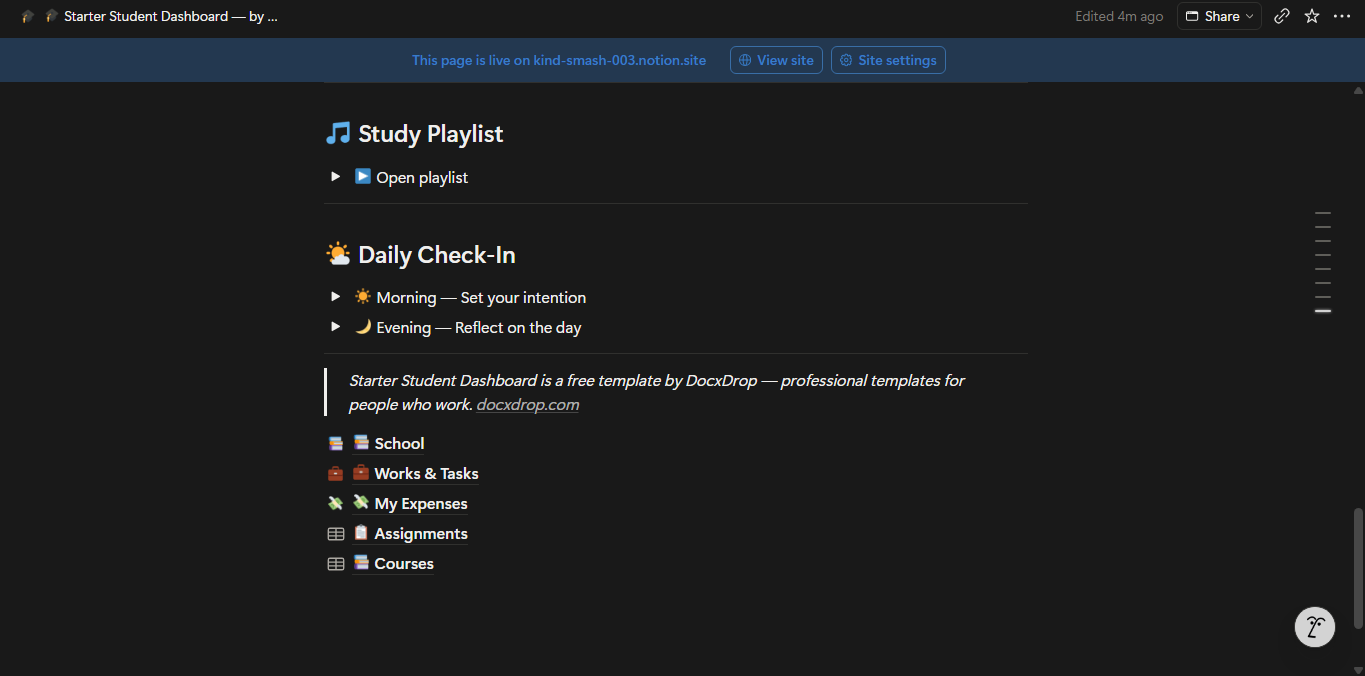
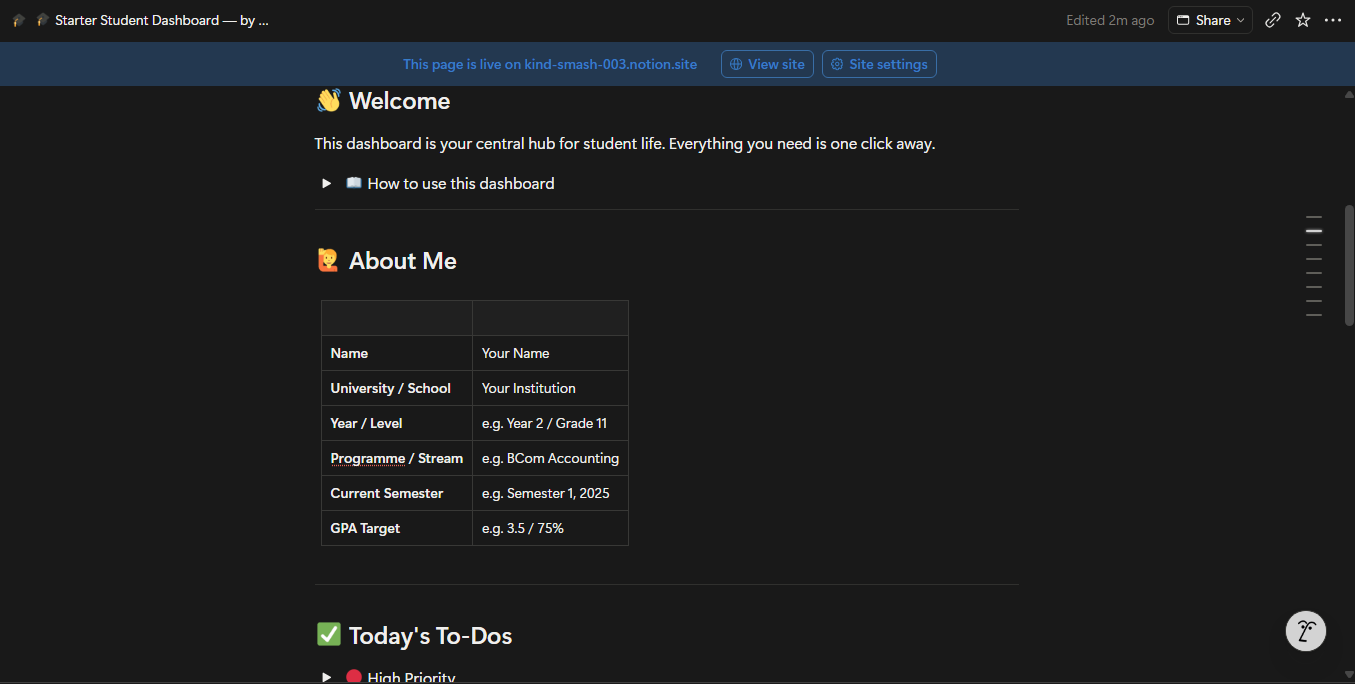
The main dashboard gives you a daily to-do list organised by priority, a due-this-week table and a due-this-month table so no deadline catches you off guard, a daily check-in with morning intention and evening reflection toggles, and a study playlist section where you can embed your favourite YouTube videos directly in Notion.
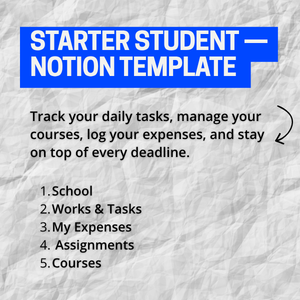
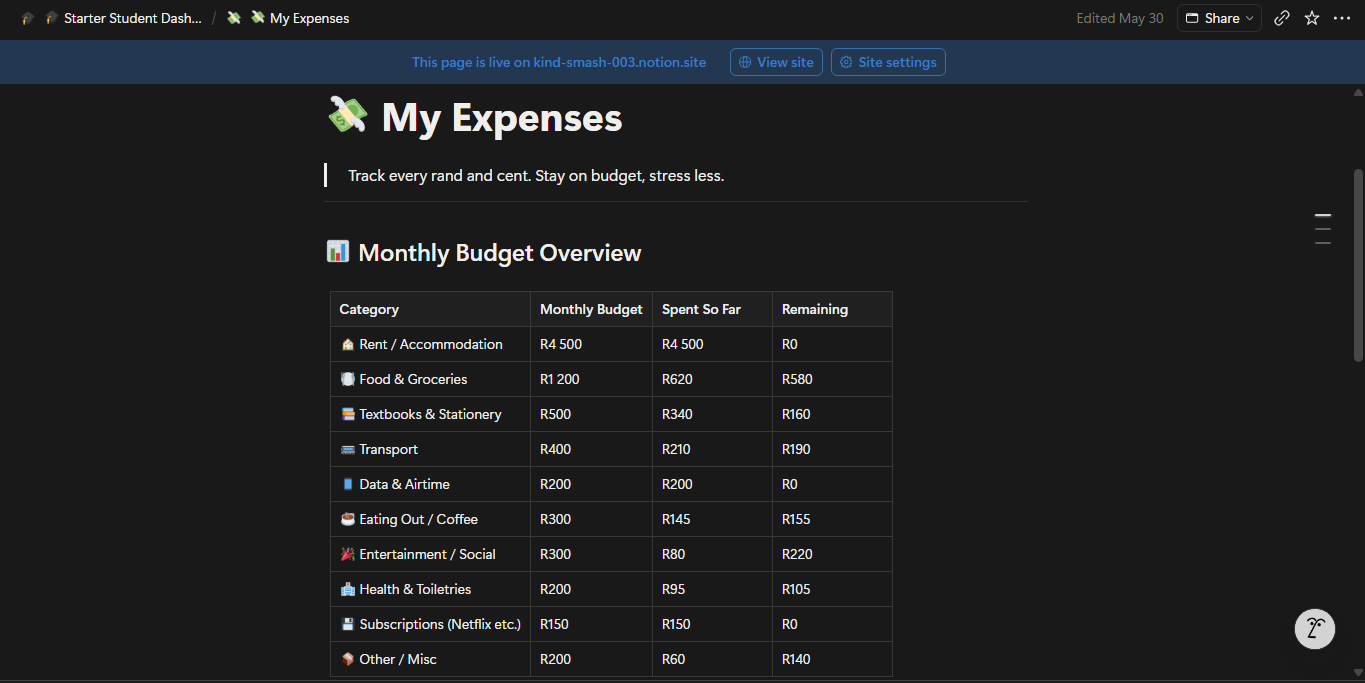
Three linked sub-pages complete the workspace. The School page holds your course list, subject-by-subject lecture notes, an assignments table, and a curated resource link library. The Works & Tasks page handles part-time jobs, side projects, and work-related to-dos. The My Expenses page gives you a monthly budget overview across ten spending categories, a running expense log, and an income tracker — with South African Rand (ZAR) formatting included as the default.
Two databases power the template: an Assignments database with status, priority, type, and due date tracking, and a Courses database with lecturer details, schedule, credits, and grade targets. Both include gallery and calendar views out of the box.
Who it’s for:
High school students, undergraduate students, and anyone starting out with Notion who wants a ready-to-use academic workspace that takes less than five minutes to set up.
How to use it:
Duplicate the template into your Notion account, update the About Me table with your details, add your courses, and start logging. Everything else is already structured and waiting.
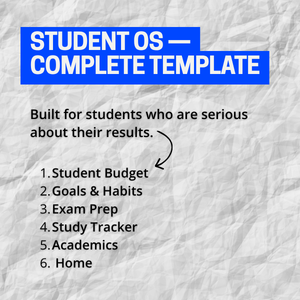
This template is free. If you need more — grade tracking, study session logs, exam revision planners, goal setting, and a full budget module — upgrade to the DocxDrop Student OS.